Before you start with Sublimation


Especially for beginners sublimation can appear quiet complex and confusing, and as we found problems problems that can show up in the beginning are often familiar or of the same nature. At this point we would like to share a few important tips and information, that are essential before you start sublimating.

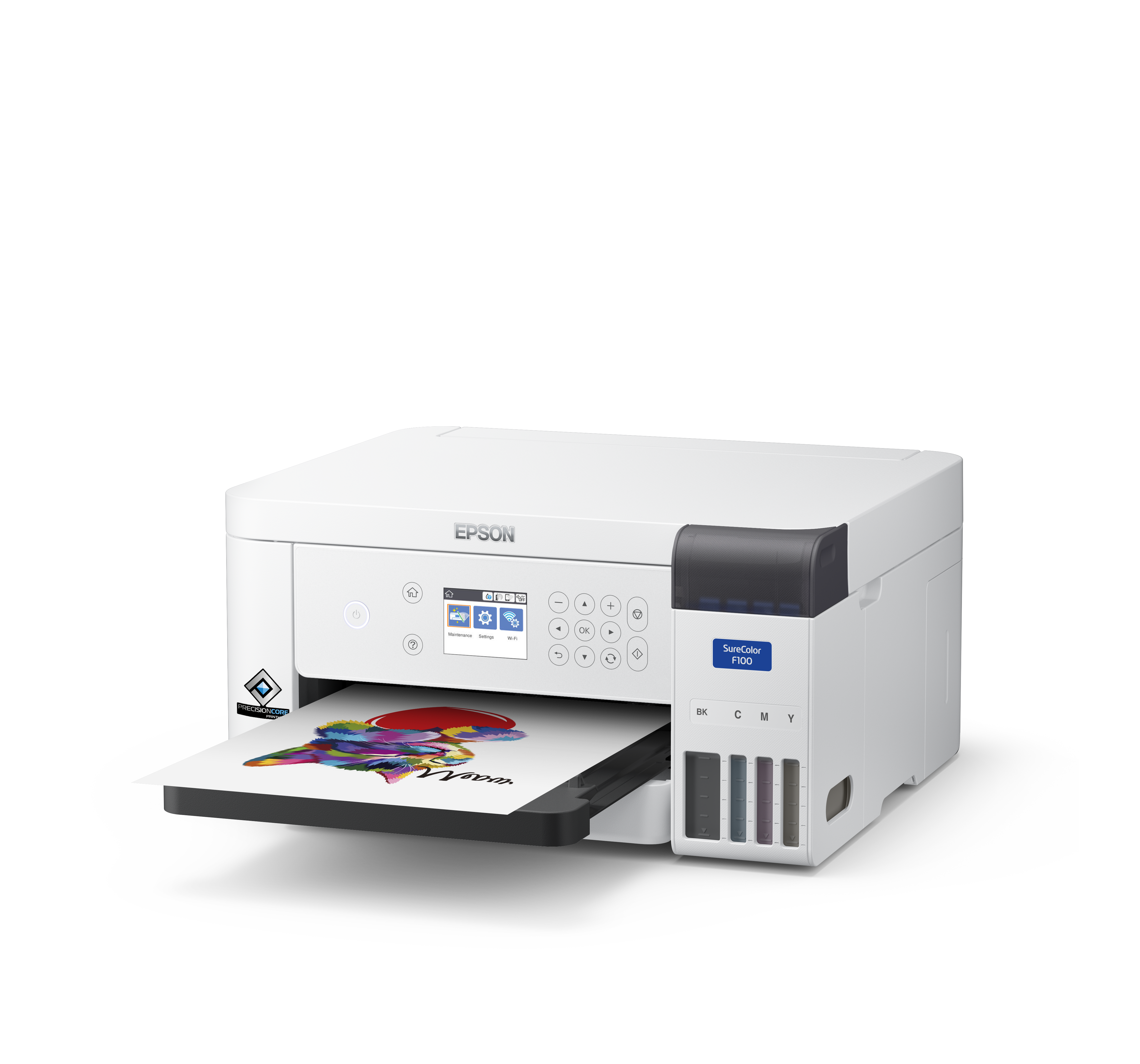
Making your printer ready for work


  • Do not expose the printer to direct sunlight, in order to protect printer and ink from extensive heat production
  • Make sure you use especially designed sublimation ink, not the original ink of the supplier of your printer. Normally original ink has been removed to avoid confusion
  • Install the sublimation ink cartridges according to the instruction manual of your printer, for installing a CISS pleas use our  manual for installing CISS.
  • After ink is applied to your printer correctely, please make a test print in order to check if the printing nozzles work properly. We recommend to do so, every time you start to work with your printer, to avoid printing errors on the sublimatable item itself.

Installation of drivers and an ICC-Profile


  • Install the original drivers from the included original CD 
    of your printer or download the latest version of them on the Manufacterers Homepage.
  • Install the ICC-Profile for your printer from the included Sawgrass CD or download it from our Download-Area.
  • Intall the ICC-Profile according to our manual or as described on on this website